
Description

Microsoft Office 2019 Professional Plus
Microsoft Corporation
For one Windows PC
For one user
- One-time licence, no yearly fee
- Word, Excel, PowerPoint and Outlook 2019, plus Publisher and Access
- Windows only: there is no Mac version of Professional Plus
- Requires Windows 10 or Windows 11
- Microsoft Teams can be added as a free separate app
Every Office 2019 desktop app
Professional Plus 2019 adds Publisher and Access to the four core apps, for offices that design print material or run their own database. It is Windows-only and needs Windows 10 or 11. On a Mac, choose Home and Business 2019; for the latest one-time edition see Professional Plus 2021.
Key benefits


A one-time purchase
Install on one PC
Classic Office apps
Classic apps for Microsoft Office 2019 Professional Plus
Microsoft Outlook 2019
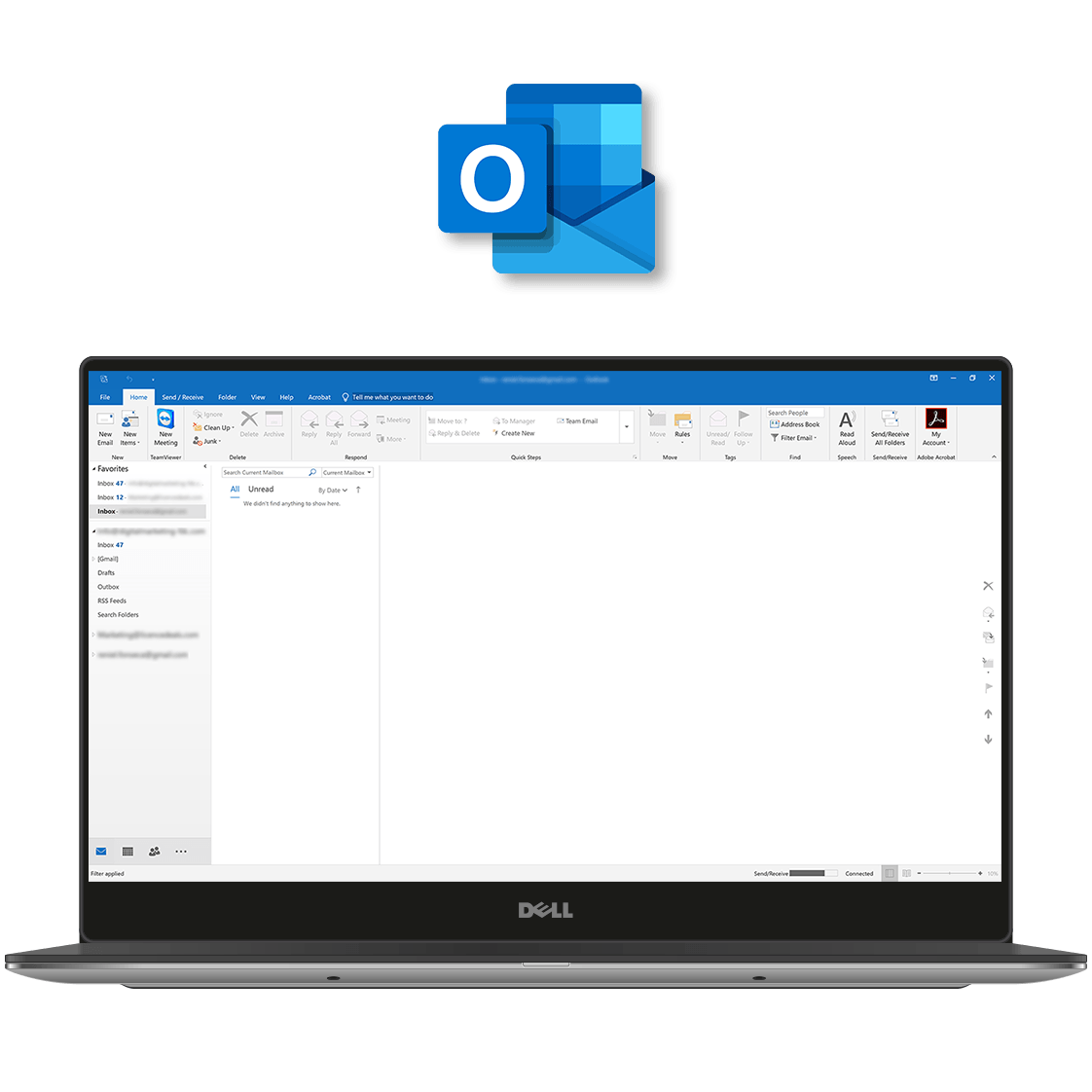
Outlook 2019 for busy inboxes: Focused Inbox, the option to mark mail as read when you delete it, reminders that stay on top of other windows, and @mentions. It works with Exchange Server and Microsoft 365 business mailboxes.
Microsoft Word 2019
Word 2019 can insert equations written in LaTeX, translate a document with Microsoft Translator, and use Read Aloud to check what you wrote. The Black theme and better pen support make long editing sessions easier.


Microsoft Excel 2019
Analysts get Power Pivot data models and Power Query, plus the 2019 functions IFS, SWITCH, MAXIFS, MINIFS, TEXTJOIN and CONCAT, funnel and map charts, and the option to publish workbooks to Power BI for shared dashboards.
Microsoft PowerPoint 2019
PowerPoint 2019 adds Zoom for non-linear presentations, Morph transitions, scalable icons and 3D models, plus a better background removal tool for product photos. Finished decks export as 4K video for screens and trade shows.

Microsoft OneNote
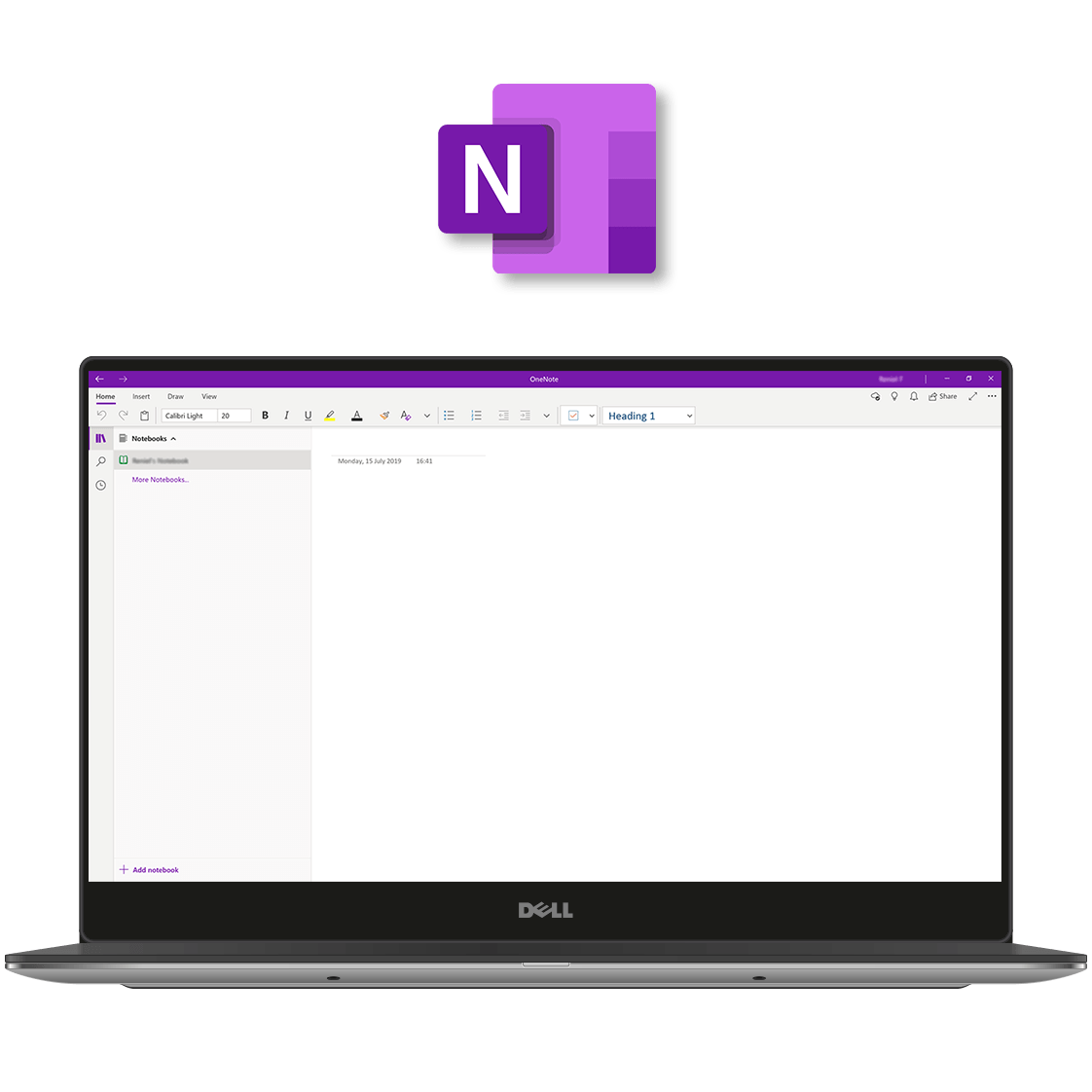
OneNote 2016 is the desktop notebook used with Office 2019, as there is no OneNote 2019. It stores notebooks locally or on SharePoint and works with Outlook tasks, so it fits company networks.
Microsoft Publisher 2019
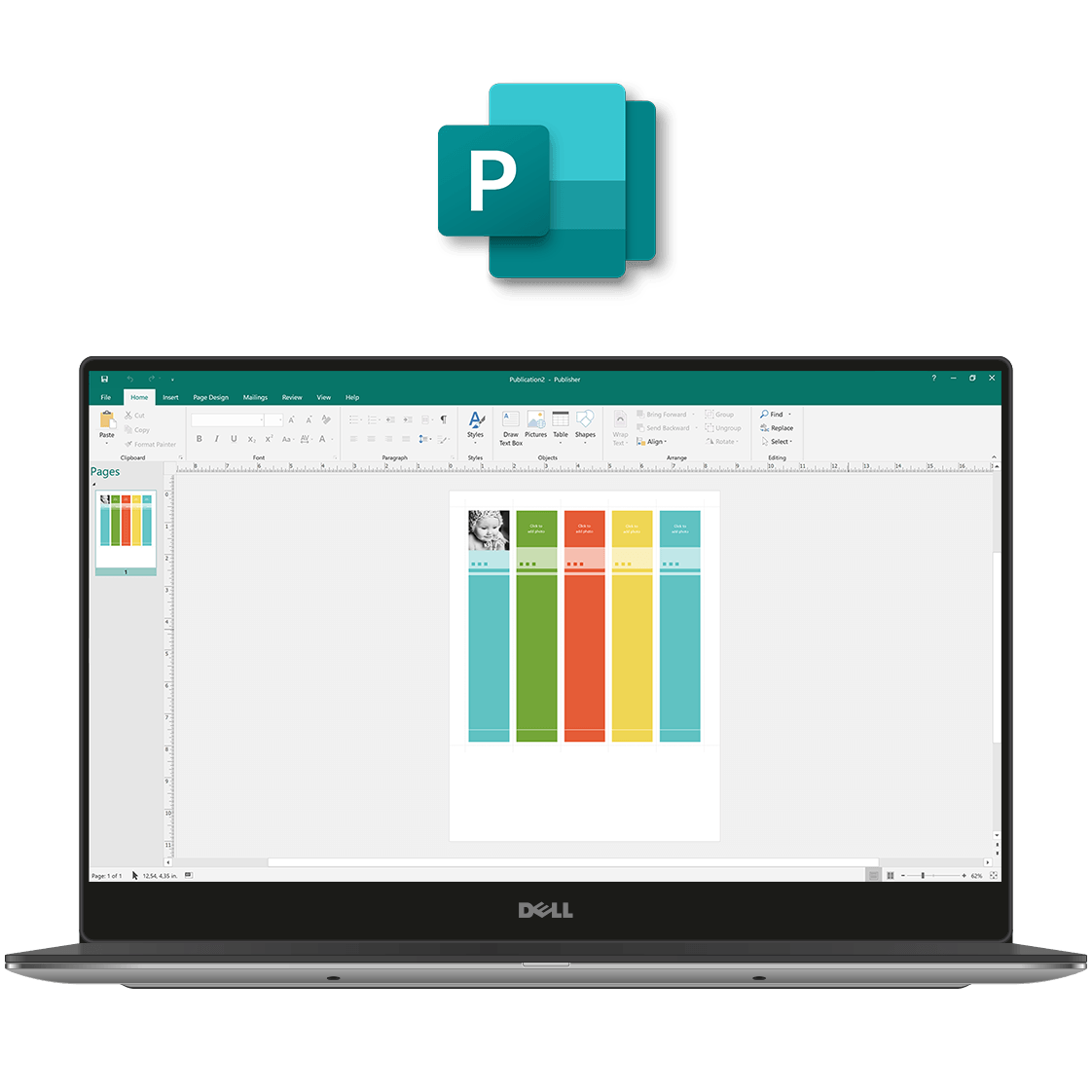
Publisher 2019 lays out brochures, catalogues and newsletters, and exports them as PDF or XPS, sends them by email, or packs them for a print shop. Mail merge from an Excel list makes personalised postcards.
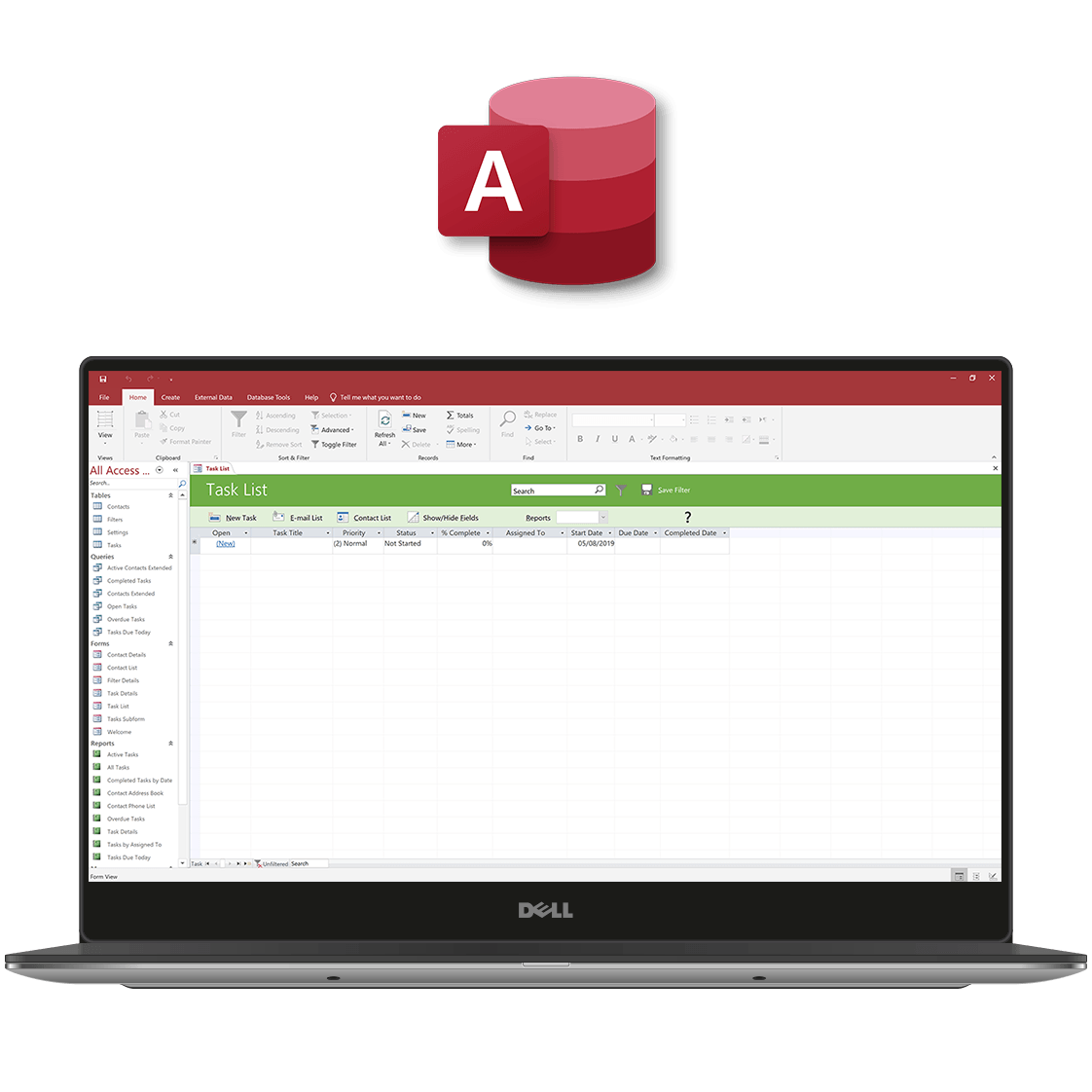
Microsoft Access 2019
Access 2019 adds new chart types for forms and reports, a Large Number (bigint) data type, and renewed support for dBASE files. Linked tables from SQL Server, Excel or SharePoint keep company data in one front end.
Teams
Teams is not inside the Office 2019 installer; it is a free separate download from Microsoft. Teams opens Word, Excel and PowerPoint files straight from chats and channels.

System Requirements
- Processor1.6 gigahertz (GHz) or faster, 2-core
- Operating systemWindows 11 or Windows 10
- Memory (RAM)4 GB (64bit), 2 GB (32bit)
- Disk space4 GB available disk space
- Display1280 x 768 screen resolution
- GraphicsDirectX 10 graphics card for graphics hardware acceleration
- Other requirements
Microsoft account
Internet access


